
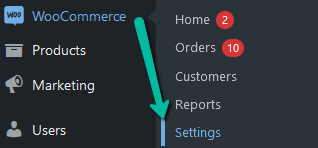
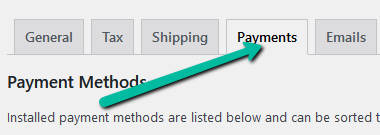
To re-name your store’s payment options, go to WooCommerce > Settings, then click the Payments tab:
For the payment option you want to re-name, click on the Manage button:

Here you can change the Title and Description that is displayed to your customers at the checkout:

Don’t forget to save your changes 🙂
NOTE: It is always a good idea to go to your website and test your checkout after making changes to your payment options.
